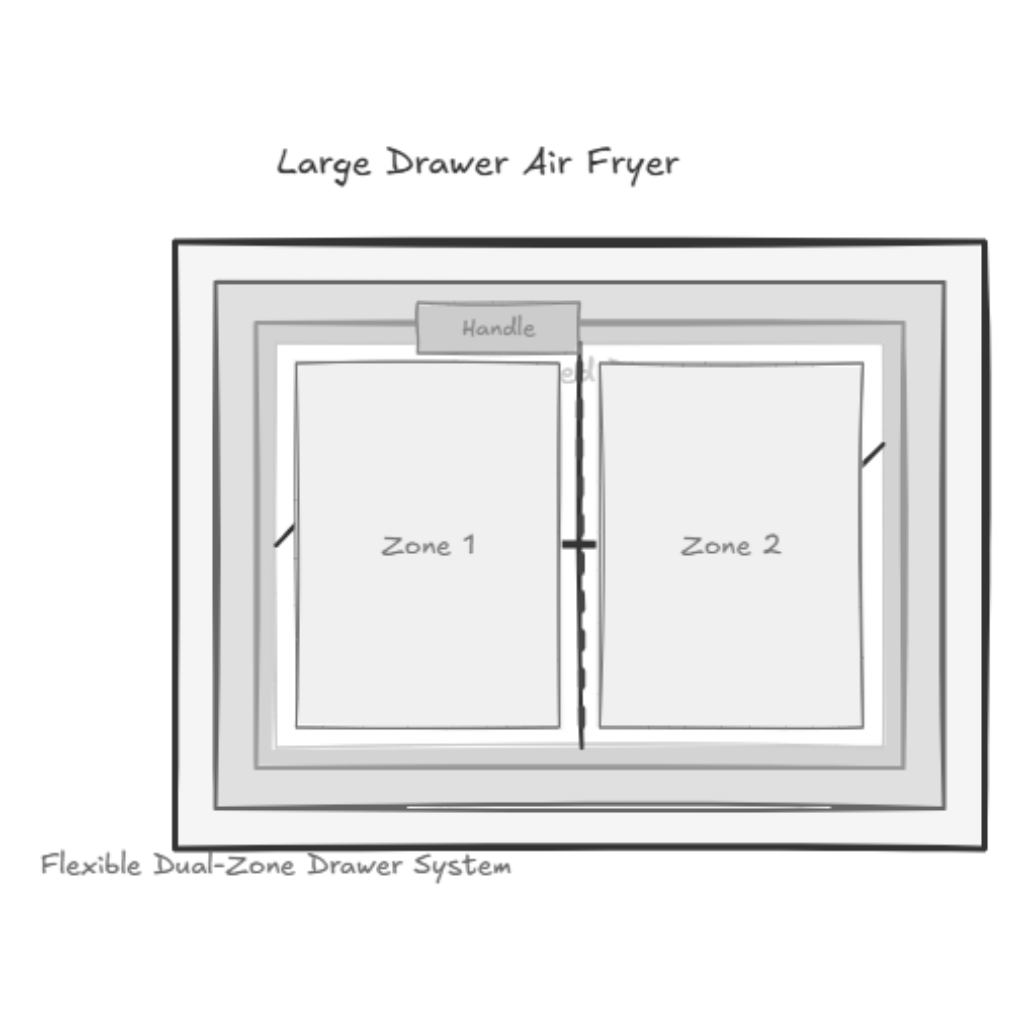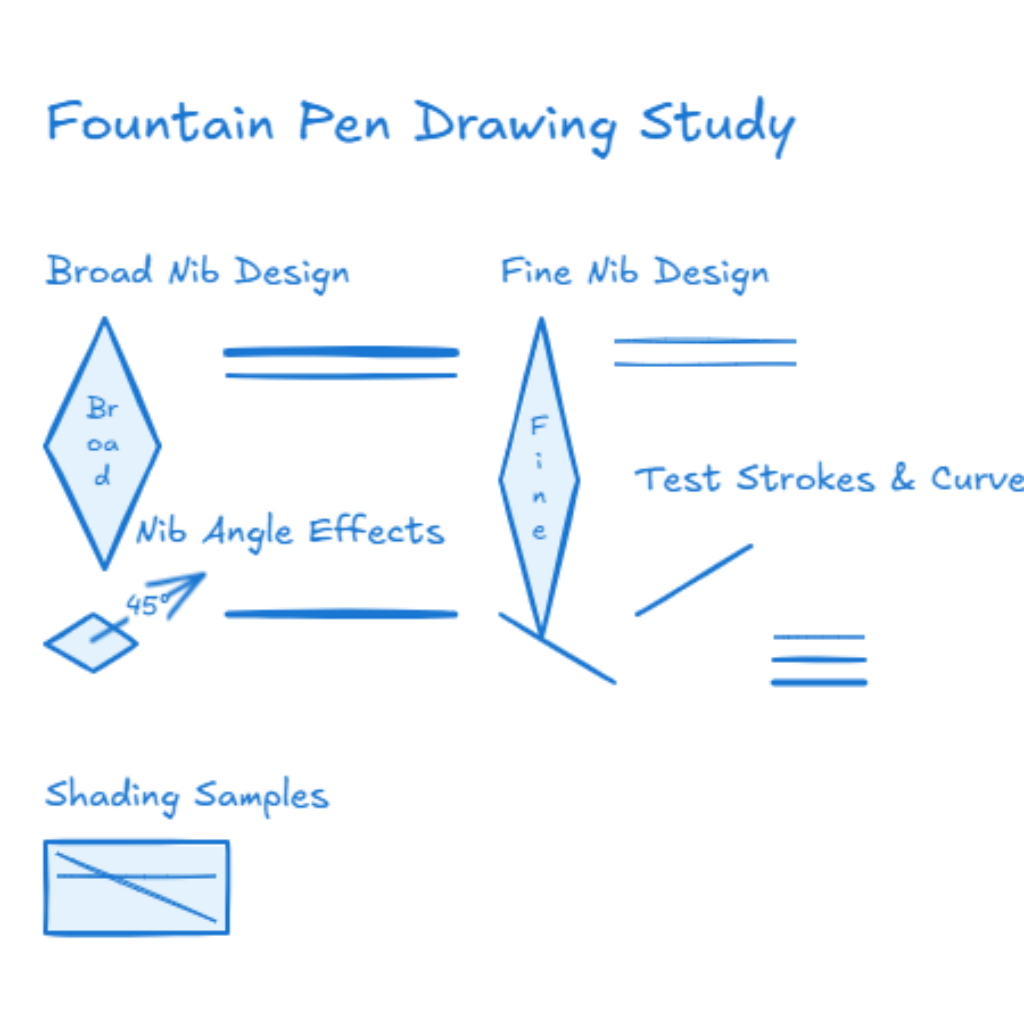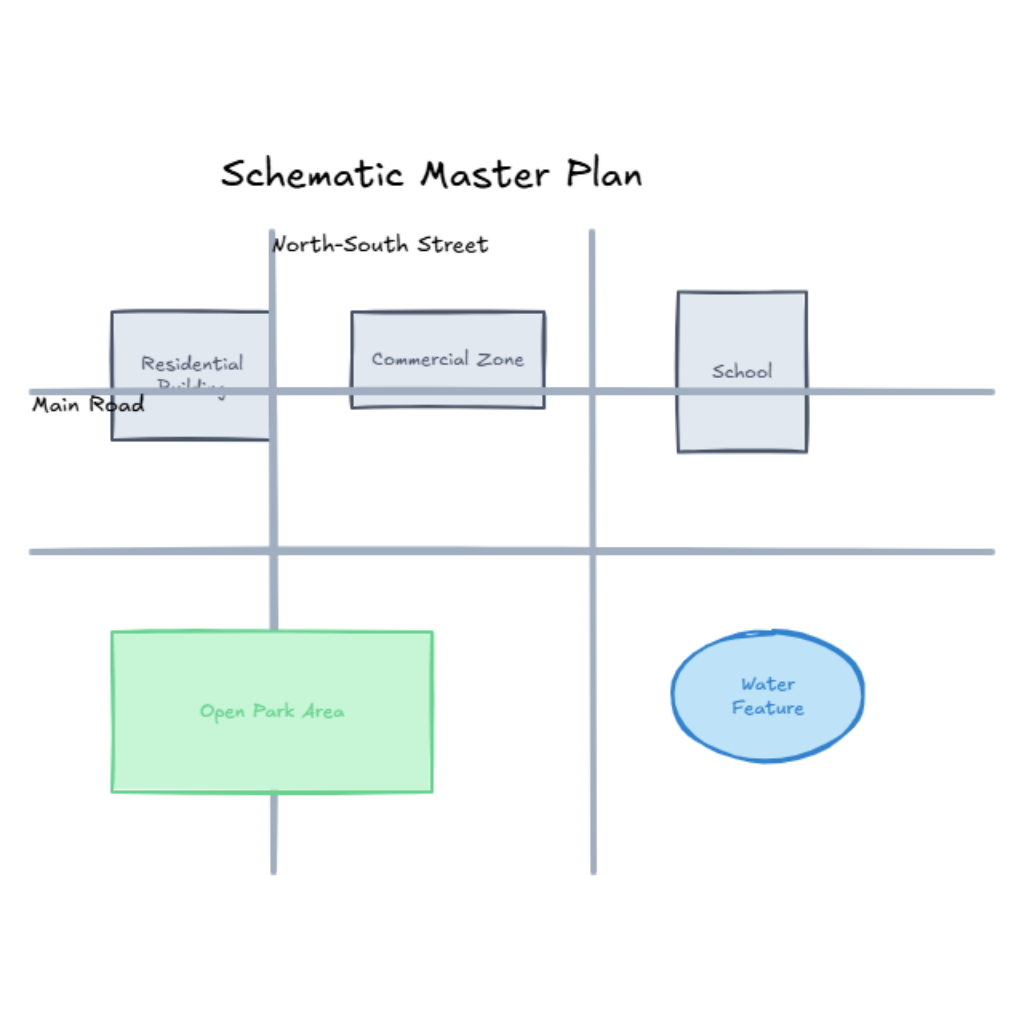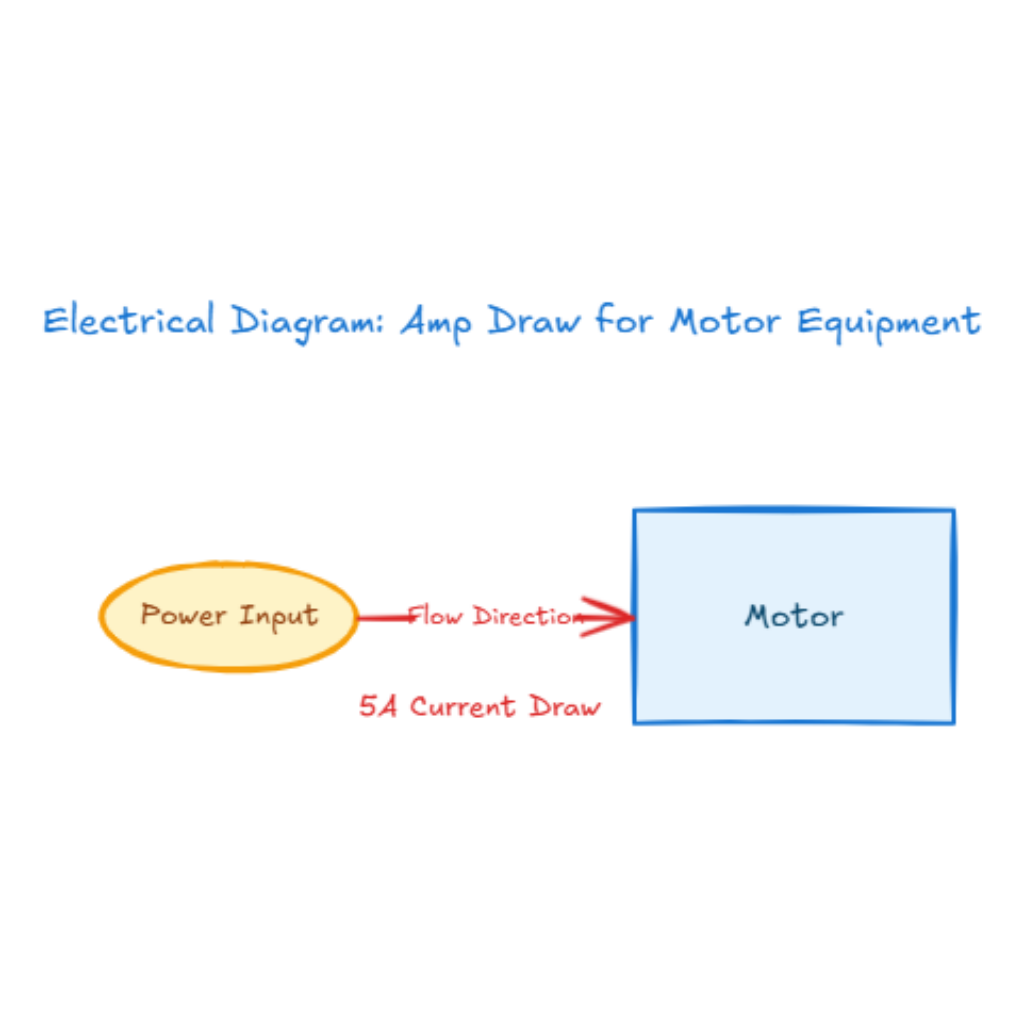
Draw a warm and expressive illustration of a child sitting at a table, drawing and painting using only one color. Show crayons, paintbrushes, and paper all featuring the same color tone. The child’s artwork should reflect creativity and innocence, with simple shapes and playful lines. Emphasize the emotional focus on color consistency rather than accuracy. The scene should feel gentle and educational, highlighting how children explore creativity through limited color choices, with a cozy and safe environment.
Description
1. What is “The Child Draws and Paints in the Same Color”
“The Child Draws and Paints in the Same Color” is a creative concept that focuses on a child using only one color while drawing and painting. Instead of aiming for realistic details, this theme highlights emotion, imagination, and innocence. A single color helps express mood and encourages free exploration of shapes and lines. In AI image creation, this idea can be generated using different related keywords such as child drawing, single color illustration, kids painting art, innocent creativity, simple children artwork, and expressive child art. These keywords guide the AI to focus more on feeling and storytelling rather than precision.
2. Fill in the Prompt
To start in AI Graph Draw, open the generator page and locate the tab Draw, input area. Copy and paste your prepared prompt describing the child, the table, the drawing tools, and the use of one consistent color. Make sure to mention a warm and safe environment to help the AI understand the overall mood. After entering the prompt, click generate and wait for the illustration to appear.
3. Change and Adjust the Prompt
You can always change the prompt to explore different results. Try adjusting the color tone, such as using warm red, soft blue, or gentle yellow. You can also add phrases like simple shapes, playful lines, or cozy classroom to guide the style. Changing small details in the prompt can lead to very different visual outcomes.
4. Try Multiple Times
AI drawing works best when you experiment. Do not stop after one result. Generate several versions to compare styles and compositions. Each attempt helps you better understand how wording affects the final image. Repeating the process is a normal and important part of AI creativity.
5. Other Basic Operations and Steps
After generating the image, you can move, resize, or adjust elements directly in Excalidraw. You may also combine AI-generated content with manual drawing to add personal touches. Save your work regularly and export it in the format you need for learning, sharing, or presentation.
6. Application Scenarios of Child Single Color Art AI Generation
This type of AI-generated artwork is useful for children’s education, art classes, storytelling materials, emotional learning content, picture books, and parenting resources. It can also be used for website illustrations, blog covers, or creative concept demos related to childhood and creativity.
7. Learn More on Our Website
If you want to explore more ideas related to child art, single color illustrations, and AI drawing styles, you can visit our website to see more examples and inspiration.
You are welcome to explore more at
https://aigraphmaker.net/explore
This will help you discover additional prompts, themes, and creative directions for AI-generated artwork.